Module 1: "TakeOver" presets training
Using Preset Packs For Faster & More Cinematic Editing:
Please go through each video thoroughly and complete the action steps before moving on to the next video!
Session 1:
Installation & Setup Guide
action steps:
CLICK HERE to access and download the Viral FX Presets Pack, the ViralCAPTIONS Preset Pack, and the Viral EDITS Template.
Install all the resources as shown in the video and then test and play around with all the effects to learn how they can be implemented into your daily edits.
(The ViralCAPTIONS preset pack isn't mentioned in the installation video, but please do install and test it too.)In the next session below Chriss will show you how to use most of the presets and the templates in your workflow.
Session 2:
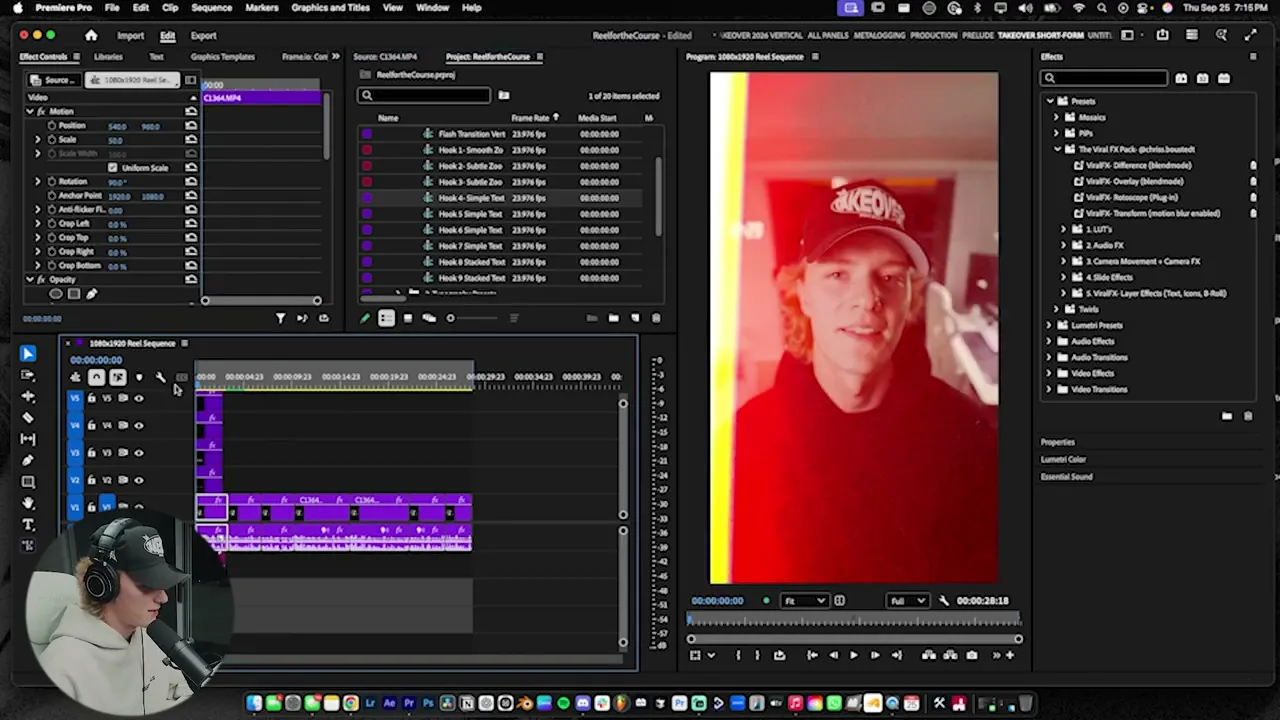
Edit Cinematic Reels Like A Pro
action steps:
Open Chriss' Adobe project from the "ViralEDITS" folder you've already downloaded.
Import any raw talking head video clip to practice on. (Use a client video file or use Chriss' 8 second talking head video file called "Viral Hooks - Stock Footage" which can be found in the "ViralEDITS" folder.)
Follow along with his entire process step by step, in order to become familiar with all the templates, presets, and his recommendations for using them.
Make note of your favourite templates and effects, so that you can implement them in client video edits later.Set up your Adobe workspace and keyboard shortcuts according to Chris' suggestions (based on your preferences).
Send us a message on Slack to let us know if you've completed the above, or if you have any questions.
Session 3:
Hook Theory
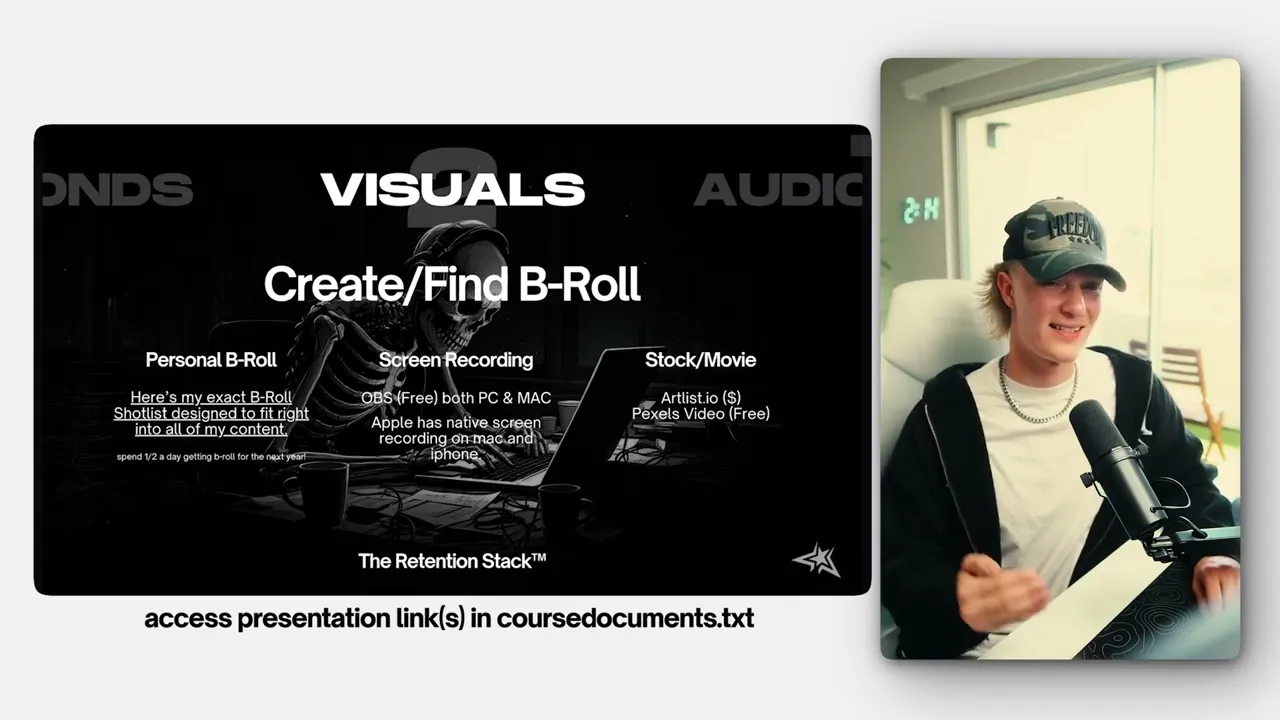
action steps:
Please review the above thoughts on creating engaging visual "hooks" in your edits and note down the "viral hook checklist".
Keep in mind how you can use the hook "presets/templates" to develop different engaging hooks for each client.
Resources
Additional Editing Resources:
CLICK HERE to access the Editor's Resources Google Drive folder - Bookmark it on your browser for easy access.
Inside, you can always access the following resources:
Our collection of Movie B-Roll clips. (Always make sure whether your clients want to use personal B-roll, movie B-roll, or both, or other…)
Our collection of different types of background music for video edits. (See more below)
Our collection of SFX (sound effects) like mouse click sounds, risers, etc.
The "TakeOver" presets and template packs you've already installed earlier.
Example client footage that you will use in the upcoming modules.
CLICK HERE to access our updated Music Library on Notion, with instrumental tracks from viral pop songs, etc. - Bookmark it on your browser for easy access.
CLICK HERE to access our Font Library on Notion - where you can download and install many of the most popular suggested fonts for new client edits. (Always feel free to use other fonts if they're a good fit for the client's brand.) - Bookmark it on your browser for easy access.